Build a useful first view
- Create a model with type C4 Architecture.
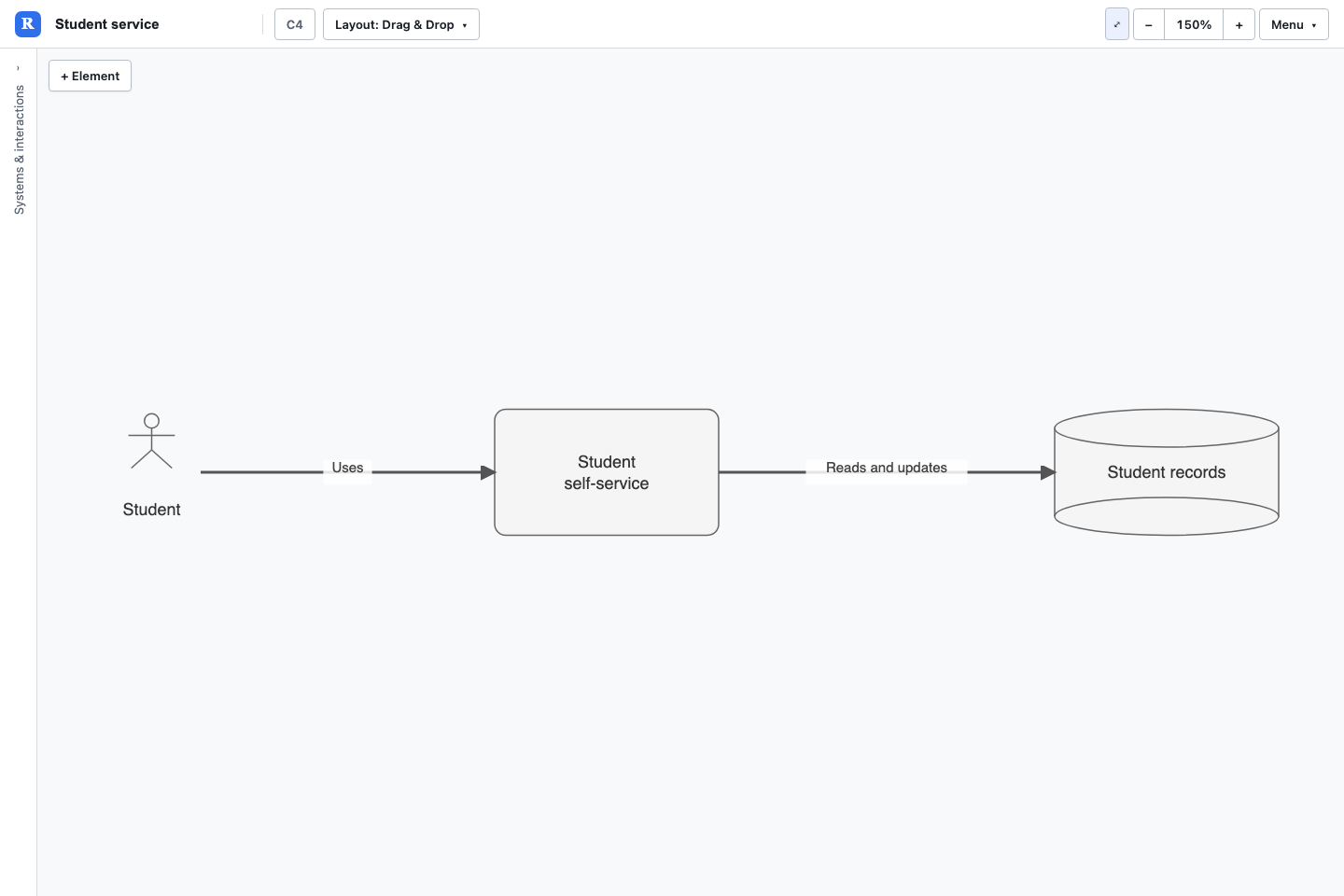
- Add an Actor for the person using the service, a System for the application and a DataStore for its data.
- Connect Actor to System and System to DataStore. Label the relationships with actions such as Uses or Reads records.
- Add Owner or Technology properties where they help the reader.
- Save a named view, then save the model.
Context and detail
Revelation's core C4 element choices are System, Actor, DataStore and Group. Container/component detail can be represented with hierarchy, properties and scoped views, including views imported from Structurizr. Do not look for a separate native Container or Component option in the C4 type selector.
Keep an overview focused on external actors and system boundaries. Use a detailed view for internal structure. Parent relationships describe containment; relationship labels describe dependencies or communication.
Import and exchange
Supported C4 routes include Mermaid, PlantUML and Structurizr DSL import. Text export uses the selected view and may report losses. Keep Revelation JSON when you need a faithful working copy with its presentation settings.
Download the student service example (JSON)
Try this with Rovo in Confluence
Choose the matching Revelation agent. Supply the destination page and review the result before sharing. Follow the Rovo guide to attach the created model to a macro.
Create a C4 model of a student using a portal which reads student records. Label both relationships, and record an Owner on each system.Supported element types
| Name | Model token |
|---|---|
| System | SYSTEM |
| Actor | ACTOR |
| DataStore | DATASTORE |
| Group | GROUP |
Supported relationship types
| Name | Model token |
|---|---|
| -> | -> |
| ->> | ->> |
| <-> | <-> |
| <<->> | <<->> |
| <<-> | <<-> |